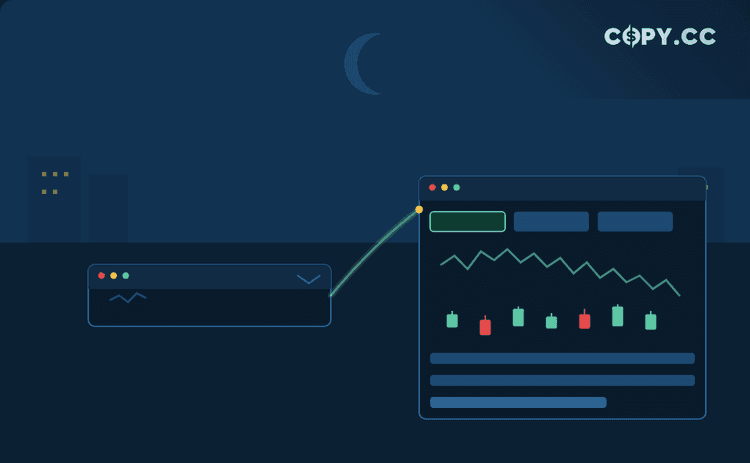

The trading zone and dashboard have received a set of focused UI updates. These changes make the interface more flexible and accessible without altering core functionality.
Chart Minimization
The chart in the trading zone can now be collapsed. This gives users the option to reclaim screen space when full chart visibility is not needed.
New Chart Tabs
Three tabs have been added to the chart area: AI Overview, More Info, and Trading Rules. These new tabs organize key information directly on the chart, reducing the need to switch between different sections of the interface.
Dashboard Refinements
Minor updates have been applied to the dashboard. The adjustments are aimed at clarifying the layout and making common actions easier to find.